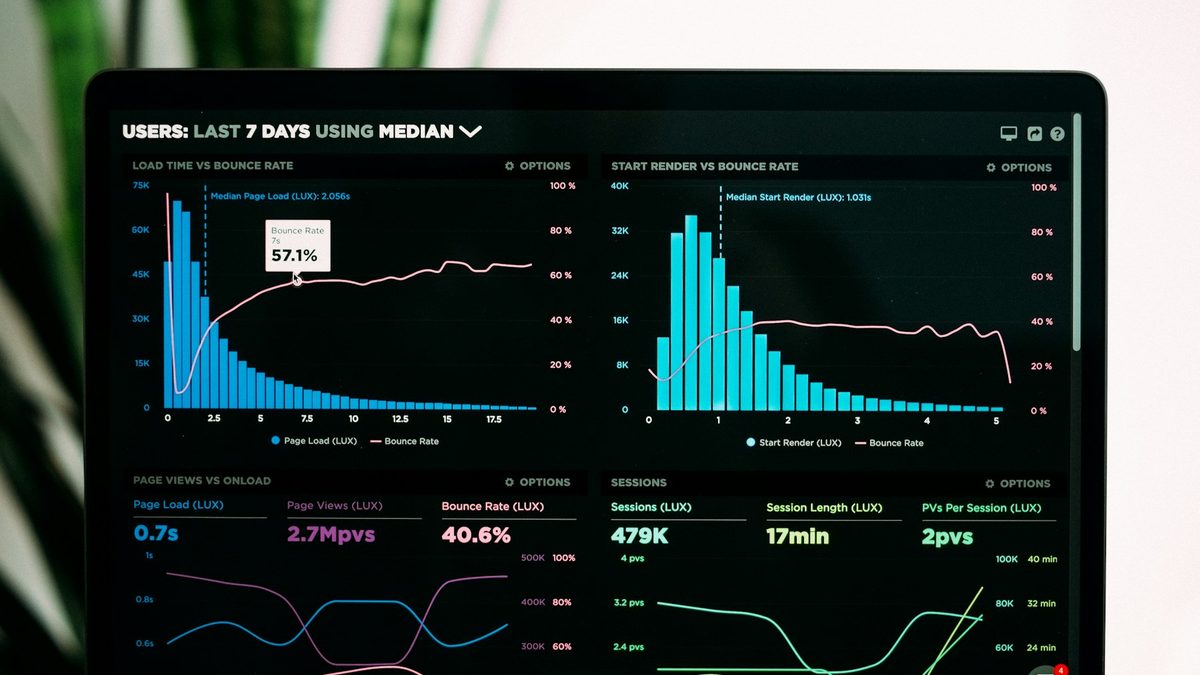
Free URL shortener with click tracking: a guide
What a URL shortener with click tracking can tell you, how to read the numbers honestly, UTM tags, redirects and the limits of free plans.
What to check before you pick a link in bio tool in India: UPI payments, WhatsApp, rupee pricing, speed on mobile data, stats and who owns your audience.
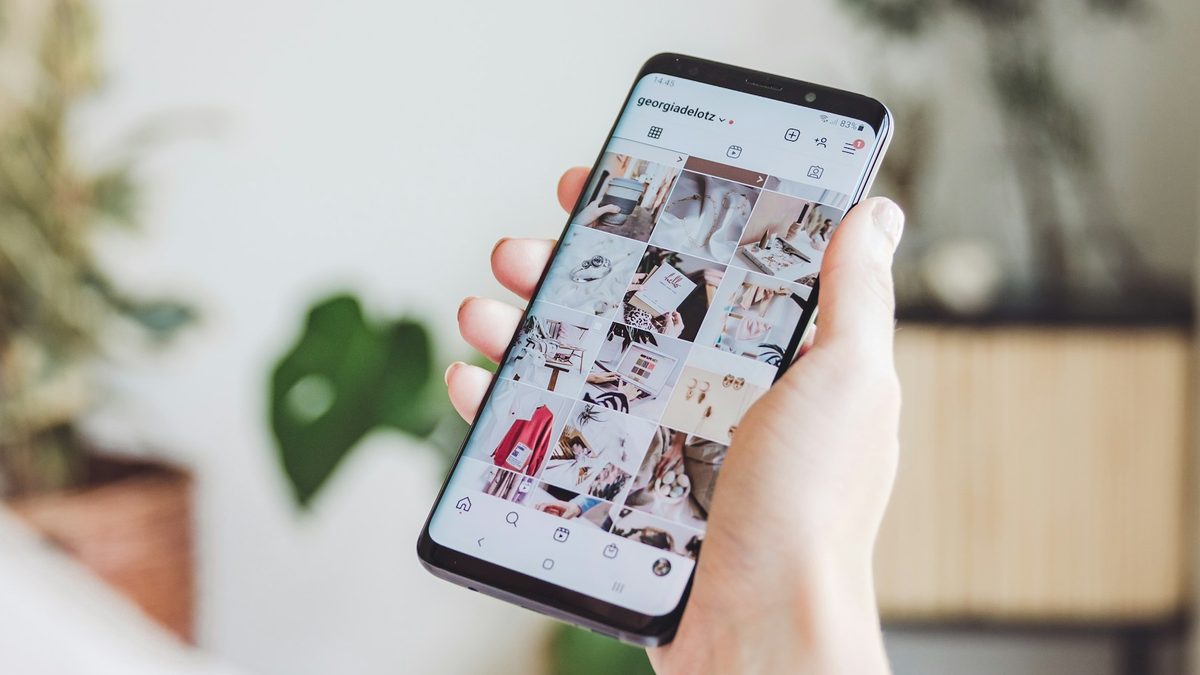
Most link in bio tools were built for an American creator selling a course with a card. That is fine if that is you. If you run a home bakery in Pune, sing covers on Instagram from Guwahati or sell kurtas from a D2C store in Jaipur, the questions that matter are different. Can people pay you by UPI? Can they message you on WhatsApp with one tap? Does the page load on a patchy 4G connection inside the Instagram app? Is the price in rupees, and does anyone take a cut of what you sell?
This guide walks through how to judge a link in bio tool for India, what the common options do well, and where each one falls short. We make Bliink, so we have a bias. We will say where another tool is the better pick.
Instagram has allowed up to five links on a profile since April 2023, but the profile shows only the first one, with a note that there are more. Most people tap that first link, and it is the only one you can be sure they see. A link in bio page turns that one tap into a small website: your name and photo, the three or four things you want people to do, and a way to reach you.
For most Indian creators and small businesses those things are some mix of these:
Any tool can show a list of buttons. The differences show up in payments, in messaging, in how the page looks and loads, and in what you learn from the visits.
UPI is how India pays. Every major payment app (Google Pay, PhonePe, Paytm, BHIM and your bank's own app) scans the same UPI QR code and opens the same upi://pay links. A good tool for India lets you add your UPI ID once and shows a pay button and a QR code that work in any of those apps.
Check three things. First, can you set fixed amounts, like ₹99 for a wallpaper pack or ₹499 for a consultation, so people don't have to type? Second, does the page show a QR code on desktop, where a upi:// link can't open anything? Third, does the money go straight to your UPI ID, or through the tool's payment gateway with a fee taken on the way?
Payments that go directly to your UPI ID cost you nothing to receive under the zero MDR rules banks follow for UPI today. A gateway is useful when you need automatic receipts and refunds, but it charges a percentage for that. Decide which you need before you pick a tool.
A huge share of small business in India runs on WhatsApp. The button on your page should open a chat with your number and, ideally, a message already typed ("Hi, I saw your page and want to order the chocolate cake"). That is what WhatsApp's own click-to-chat links (wa.me/91XXXXXXXXXX?text=...) do, and any tool can build them. Check whether the tool lets you set the pre-filled text. People who find a message already typed only have to press send, and you know which page they came from.
Many international tools charge in dollars. With GST and your bank's foreign currency markup, a "$5 a month" plan costs more than it looks, and some cards decline recurring foreign payments altogether. Also read the plan page for any transaction fee or percentage on sales. A flat monthly price in rupees is easier to budget and doesn't grow as you sell more.
Almost every visit to a bio link happens on a phone, inside Instagram's in-app browser, often on mobile data. Open the tool's demo pages on your own phone over 4G, not office Wi-Fi. If the page takes more than two or three seconds to show your name and first button, people leave before they see anything. Heavy animations, autoplay video and huge uncompressed images are the usual culprits.
Knowing that your page had 2,000 visits is nice. Knowing that most of them came from one reel, that they were mostly on Android phones in your own city, and that the WhatsApp button got more taps than the shop link is useful. Look for clicks per button, traffic sources, devices and locations, and the ability to compare one week with the one before. If you run ads, check whether you can add a Meta Pixel or Google tag.
A short, clean address (yourbrand.in or a tidy handle) looks more trustworthy than a long random string. Check whether you can connect your own domain later. Also check what you can export. If you collect emails or phone numbers through a form on the page, you should be able to download them as a CSV whenever you like.
They cost nothing and need no setup. They work if all you need is two or three links. You get no design, no payments, no WhatsApp button with a message and no stats beyond what Instagram shows you.
Linktree is the best known and has a large template library and many integrations. Its paid plans are aimed at a global audience. Check how its pricing and payment features work for you in rupees before you commit.
These are strong if you sell digital products such as courses, presets or coaching to buyers around the world and want card checkout, email delivery and upsells built in. That is a real advantage. Read their fee pages carefully, because some plans take a percentage of sales.
WordPress, Wix or Shopify give you full control and a proper store, but they take more work to set up and are slower to change from your phone. Many brands use both: a full store, and a bio page that points to the right parts of it.
Bliink is built for India first. Your page is made of blocks (links, WhatsApp, UPI pay, menus, products, forms, bookings, music, videos and more), and it comes in themes designed for different kinds of people: a café, a singer, a designer, a D2C brand. The UPI block takes your UPI ID and preset amounts, and can show a QR code for people on a laptop. The WhatsApp block opens a chat with your message typed. Cafés and shops can take menu orders that arrive on their own WhatsApp. Stats show visits, clicks, sources, devices and cities. Pricing is in rupees: Free, then Creator at ₹149 a month, Shop at ₹299 and Brand at ₹999, and Bliink does not take a cut of what you sell.
What Bliink doesn't do: it is not a full course platform with card checkout and email delivery for buyers abroad. If that is your main business, a creator store is the better choice.
The best way to choose is to start from your main job. Our pages by type of business go into more detail:
Whatever tool you choose, the setup that works is roughly the same.
If you want to try this on Bliink, start free. The free plan covers a bio page with your links, WhatsApp and UPI. If you'd rather start from a finished design, browse the templates on the homepage.
For most people, yes. Instagram shows only the first link on your profile, with no design, payments or stats. A bio page shows everything at once, takes UPI and WhatsApp, and tells you which links people actually use.
Yes, if the tool supports it. On Bliink you add your UPI ID to a UPI block, set suggested amounts if you like, and visitors pay in any UPI app. The money goes straight to your account.
Most tools, Bliink included, have a free plan. Compare what the free plan includes: the number of links, whether the tool's badge is shown, whether stats are kept and whether payment features are allowed.
There is no evidence that using a link in bio service affects reach. What matters is that the link works and the page loads quickly when people tap it.
On Bliink, paid plans let you connect your own domain, and the Creator plan includes one. Many other tools offer the same on paid plans.
Cover photo: Georgia de Lotz on Unsplash.
Pick a template, add your links and UPI, and your page is live on a free plan.
What a URL shortener with click tracking can tell you, how to read the numbers honestly, UTM tags, redirects and the limits of free plans.

How independent musicians in India can use one smart link for a new single or EP: what to put on it, pre-saves, and how to read the clicks.
How Indian D2C brands can build an Instagram ad landing page that loads fast in the in-app browser, matches the ad and turns clicks into orders.