
Smart links for musicians: launch a new release
How independent musicians in India can use one smart link for a new single or EP: what to put on it, pre-saves, and how to read the clicks.
What a URL shortener with click tracking can tell you, how to read the numbers honestly, UTM tags, redirects and the limits of free plans.
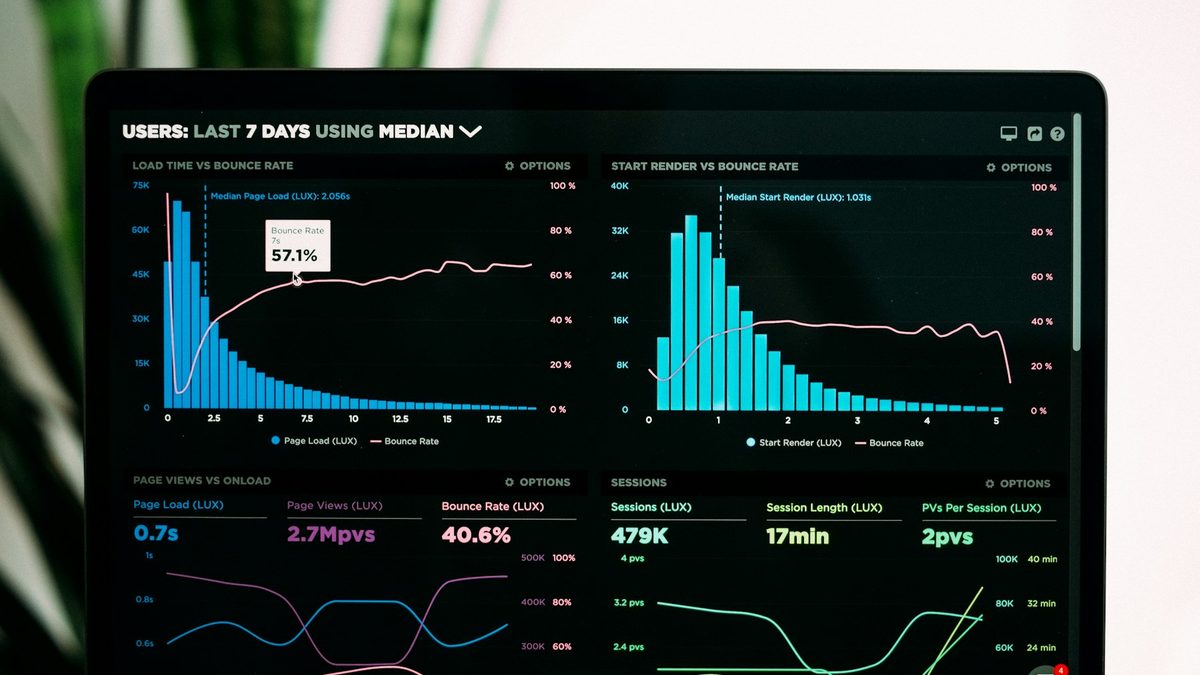
A long link with tracking tags looks like spam in a WhatsApp message and doesn't fit on a poster. A short link fixes the look. The more useful part is what happens behind it: every click is counted, so you find out which message, post or poster actually sent people.
This guide explains what a shortener with click tracking can and can't tell you, how to use it for campaigns, and what to check before you trust a free one with links you will print.
A short link like bliink.in/diwali24 is an address on the shortener's server. When someone opens it, the server looks up where it should go, notes the visit and sends the browser on with a redirect. The whole thing takes a fraction of a second.
Because every click passes through the shortener, it can record when the click happened, the rough location from the visitor's network, the device and browser, and the page or app the visitor came from (the referrer), when the app passes that along.
It can't tell you who the person was. Nothing in a click gives a name or a phone number, and a reputable shortener shouldn't try to find out.
Counting clicks is the start. The questions people want answered are more like these:
Use a different short link for each place you share, even if they all go to the same page. One link for the story, one for the broadcast, one for the poster. Then the comparison is built in.
If the destination is your own website, the shortener's counts are only half the picture. Google Analytics (or your store's reports) will see the visitor arrive, but unless the link says where it came from, it often files the visit as "direct".
UTM tags fix that. They are extra bits added to the end of the destination address:
Long tagged addresses are ugly, which is the other reason to shorten them. The short link hides the tags and your analytics still gets them. Decide on a naming style once (all lowercase, hyphens, no spaces) and stick to it, or your reports end up with "Instagram", "instagram" and "IG" as three different sources.
Click counts are useful but not exact, and it helps to know why.
When you paste a link into WhatsApp, Slack, LinkedIn or X, the app fetches the page to build a preview card. Search engines and security scanners in email systems open links too. Some of these show up as clicks. Good shorteners try to filter the obvious ones, but expect some noise, especially in the first minutes after you share.
Locations come from the visitor's network, not GPS. Mobile networks in India often route traffic through a hub in another city, so the city data is a good guide for broad patterns and a poor one for a single neighbourhood.
Referrers are often missing. Many apps, including WhatsApp, don't pass on where a click came from. That is exactly why separate links per channel are more reliable than referrer data.
Use the numbers to compare one link against another, not as an exact headcount.
Shorteners send visitors on with a redirect, and there are two common kinds. A 301 (permanent) tells browsers and search engines that the short link always leads to the destination, and browsers may remember it. A 302 or 307 (temporary) says the destination may change. For marketing links that you might edit later, temporary redirects are the safer default, because a browser that cached a permanent redirect may skip the shortener on the next visit and your count misses it. If you are shortening a link to share on a site for search ranking, a 301 passes the signal more clearly. Most people never need to think about this, but it is good to know your tool lets you choose.
Free plans are fine for a quick link. Before you put a short link on anything printed or important, check:
Bliink has two ways to shorten a link.
The free shortener works without an account. Paste a link and get a short one instantly. To keep it fair and safe, guest links last seven days, show a short "you are leaving for" screen that names the destination, and are limited to a few an hour. If you sign up, the links you made move to your account.
With an account (free to start), short links are permanent and you get the full set of controls: a custom ending, an editable destination, UTM tags with presets, links that open in the right app on phones, targeting by country, device or language, scheduled start and end times, an expiry address, a click limit and a password. Statistics show clicks by day against the period before, sources, devices, browsers, systems, countries and cities, the busiest hours and campaign tags, with CSV export. On the Shop plan you can create one link per ad or creator in a single step, each with its own tags. Our guide on Instagram ad landing pages shows how D2C brands use those.
If you are printing the link, make it a QR code too. A dynamic QR code is a short link drawn as a square, with the same scan counts. See dynamic vs static QR codes.
Yes. Bliink's free shortener needs no account, and links last seven days. A free account gives you permanent links with full click statistics, within the free plan's limit on the number of links.
No. It can tell you when, roughly where, on what kind of device and sometimes from which app or site. It does not reveal names or phone numbers.
Link previews in chat apps, security scanners and bots open links without a person behind them, and some visitors leave before the website's analytics load. Expect the two numbers to differ.
Short links used for sharing in messages, posts and print have no real effect on search rankings. For links inside your own website, link directly to the page.
On Bliink, yes, for links in your account. You can edit the destination at any time, and the short link stays the same.
Cover photo: Luke Chesser on Unsplash.
No account needed for a quick link. Sign up to keep it and see every click.
How independent musicians in India can use one smart link for a new single or EP: what to put on it, pre-saves, and how to read the clicks.
How Indian D2C brands can build an Instagram ad landing page that loads fast in the in-app browser, matches the ad and turns clicks into orders.
What Indian creators should put on a link in bio page, in what order, and what to leave off, with examples for different kinds of creators.