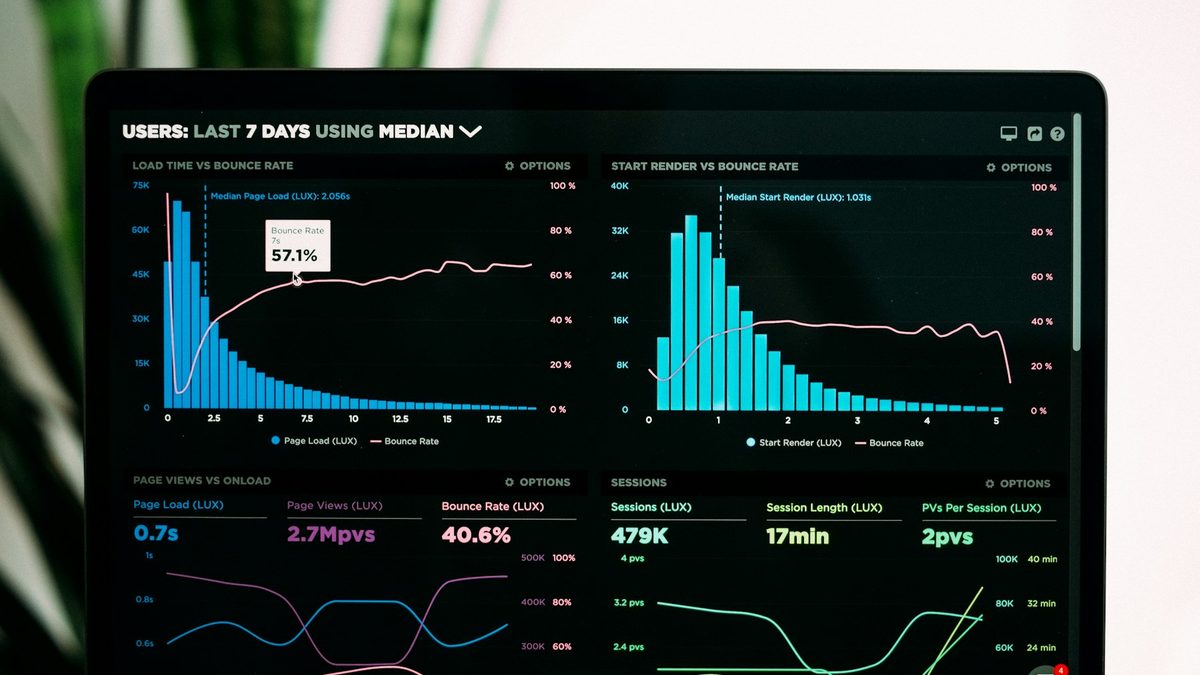
Free URL shortener with click tracking: a guide
What a URL shortener with click tracking can tell you, how to read the numbers honestly, UTM tags, redirects and the limits of free plans.
What Indian creators should put on a link in bio page, in what order, and what to leave off, with examples for different kinds of creators.
Your link in bio gets the people who liked a reel enough to tap your name, then tap again. That is a small, warm crowd, and most creators waste it on a list of eleven buttons in no particular order: YouTube, a two-year-old collab, a Google Form, three Amazon links, Spotify, a dead podcast.
A good bio page is short and has a clear first thing to do. This guide covers what to put on it, in what order, and how to keep it working as your content changes.
Before you add a single link, decide what you most want a visitor to do this month. Pick one:
That one action goes at the top, bigger than everything else. The rest of the page supports it. When the job changes, for a launch or a sale, the top of the page changes with it.
People arrive from a reel and need to know they are in the right place. Use the same photo as your Instagram profile, your name as people know it and one line that says what you do. "Home baker in Indore. Eggless cakes to order." beats "Living my best life ✨".
This is the job you picked. Make it a large button or a card with a picture, not one more line in the list. If it is a new video, show the thumbnail. If it is a product, show the product with its price.
New visitors want proof you are worth following. A block that shows your latest YouTube videos or your latest posts updates itself, so the page doesn't go stale every time you publish. Pin one or two of your best pieces of all time as well.
Brands look at bio pages when they are shortlisting creators. A short "Work with me" section with your niche, audience snapshot, a few past collaborations and an enquiry form or email saves them a DM and makes you look organised. If you are comfortable sharing rates, a simple rate card filters out the enquiries that were never going to fit. Our page for Instagram creators shows a media kit layout.
Affiliate links and creator storefronts belong here, grouped together with a heading like "What I use". If you earn from them or were paid to feature a product, say so. ASCI's guidelines for influencer advertising in India ask for a clear label such as "Ad", "Sponsored" or "Collaboration" whenever there is a material connection with a brand. Labelling affiliate links the same way is the safe habit.
A UPI tip button with a few amounts (₹49, ₹99, ₹199) is the simplest way for fans in India to say thanks. It costs you nothing to receive and the money lands in your bank account. Call it what fits your voice: "Buy me a chai" works better for some creators than "Donate".
Put your YouTube, Spotify, X or LinkedIn as a neat row of icons at the bottom, not as full-width buttons competing with your main action. Include a WhatsApp channel or broadcast if you have one. A channel is a list you can reach without an algorithm in the way.
People read a bio page top to bottom and most of them stop before the end. A layout that works for most creators:
Check your stats after a week. If a button gets almost no taps, move it down or remove it. If the page has many visits but the main action gets few taps, the main action may be the wrong one, or the wording may be unclear.
Top: this week's recipe video. Then a "Get the recipe" card, a link to the kitchen tools she uses with an affiliate note, a form for brand enquiries and a UPI tip jar. Social icons at the bottom.
Top: tickets for the next show, with the date and city. Then the latest YouTube special, a WhatsApp channel for show announcements, and a booking form for corporate shows.
Top: a grid of recent posts, each linked to the outfit pieces. Then a storefront of current favourites, a media kit and a "Shop my looks" button.
Top: the new release with streaming links. Then a song preview, upcoming gigs and merch. See our guide to smart links for a new release.
The pages that stay useful are the ones that update themselves. Blocks that pull your latest videos or posts mean you only edit the page for real changes: a new launch, a new offer, a new collaboration. Set a reminder once a month to remove anything expired.
Use your page's own stats to decide what stays. Total visits tell you how much traffic Instagram sends you. Clicks per button tell you what people want from you, which is often not what you expected.
Bliink has templates for creators and influencers that already follow this order, with blocks for latest YouTube videos, a post grid with a link on each post, a media kit with platform stats and a rate card, a UPI tip block and social icons. Start from a template, change the words and photo, and publish. It is free to start, and the Creator plan (₹149 a month) removes the Bliink badge and adds a custom domain and tracking pixels. Start free, or read our comparison of link in bio tools for India.
Five to eight is plenty for most creators. Each extra link makes every other link a little less likely to be tapped. Group the rest under headings or move them to a second page.
Yes, if they are useful to your audience, grouped together and clearly labelled. ASCI's guidelines ask Indian influencers to disclose any material connection with a brand, and an affiliate commission is one.
Change the main action whenever your focus changes, such as a launch or sale, and review the whole page once a month. Blocks that show your latest videos or posts keep themselves up to date.
Yes. A UPI block on your page lets fans pay or tip you from any UPI app, straight to your bank account.
Instagram shows only the first of your links on your profile. A bio page shows everything at once and tells you which links get used, so most creators are better off with a bio page.
Cover photo: Solen Feyissa on Unsplash.
Start from a creator template and swap in your own links, posts and rate card.
What a URL shortener with click tracking can tell you, how to read the numbers honestly, UTM tags, redirects and the limits of free plans.
How independent musicians in India can use one smart link for a new single or EP: what to put on it, pre-saves, and how to read the clicks.
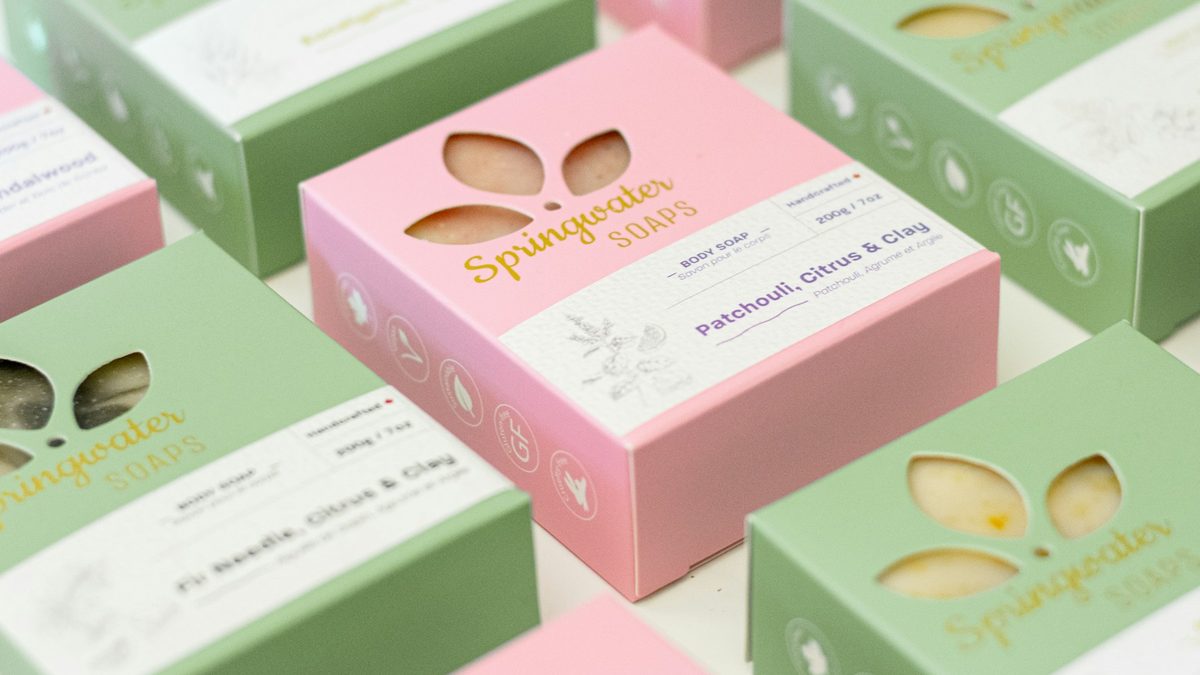
How Indian D2C brands can build an Instagram ad landing page that loads fast in the in-app browser, matches the ad and turns clicks into orders.